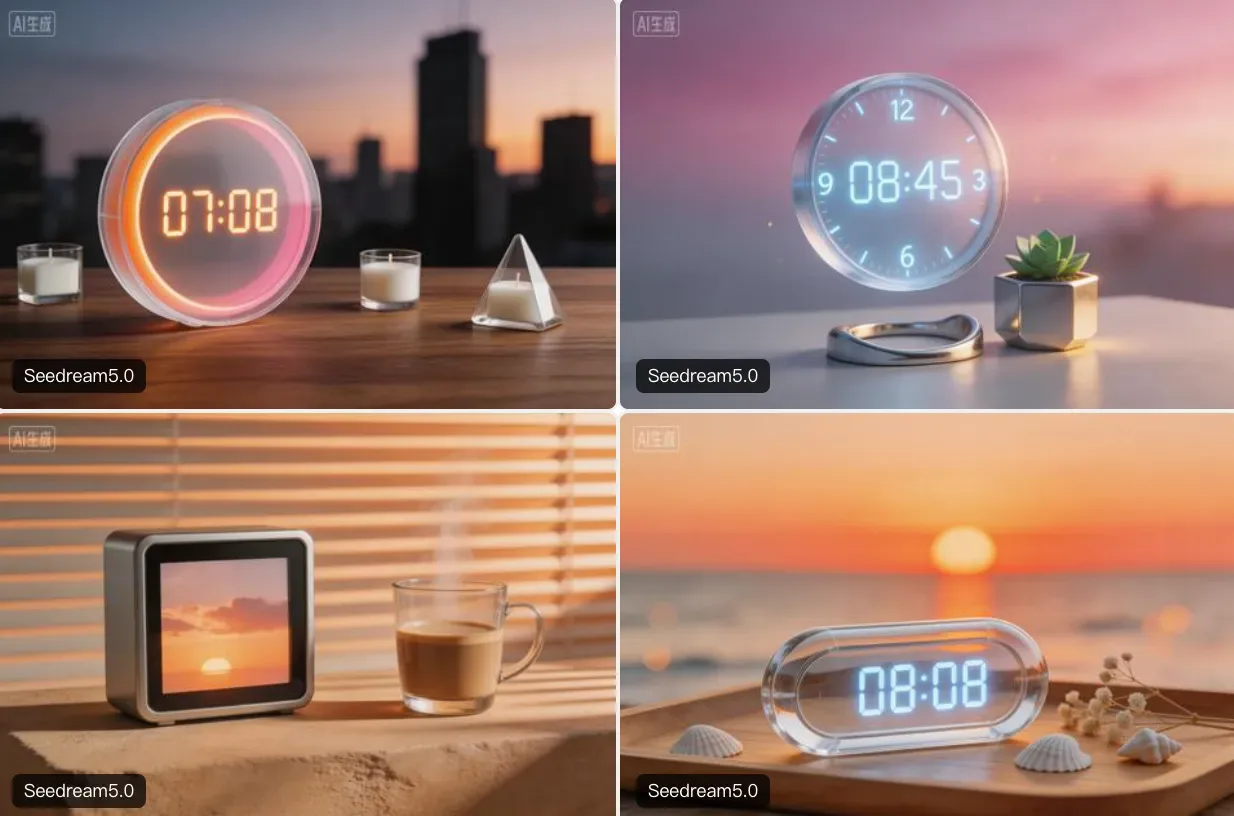
Seedream 5.0 AI Image Generator:
Imagine Reality. Create Instantly.
The World's First Web-Connected AI Image Generator. Combine Real-Time Knowledge, Conversational Editing, and Cinematic 4K Precision. From solo creators to global brands, bring your vision to life.
What is Seedream 5.0?Your Intelligent Creative Partner, Powered by the Live Web.
Seedream 5.0 represents a massive leap forward in the AI Image Generator landscape. It is not just an upgrade; it is a "0 to 1" breakthrough designed for everyone.
While traditional models are stuck in the past with outdated training data, Seedream 5.0 is alive. By introducing Web-Connected Search Capabilities and Multi-Turn Conversational Editing, we empower you to generate visuals that are factually accurate, stylistically diverse, and contextually relevant to right now.
From a hobbyist illustrating a novel to an enterprise team launching a product, Seedream 5.0 adapts to your needs. It interprets your intent with unparalleled precision, reducing the frustration of "prompt guessing" and accelerating your "Idea-to-Asset" journey.
Seedream 5.0 is suitable for everyone:
- First-time users creating images from text
- Creators refining visuals step by step
- Teams producing consistent visual assets
- Enterprises scaling AI image generation across workflows
Why Seedream 5.0 Changes Everything
Seedream 5.0 introduces three critical capabilities that redefine visual synthesis for all users.
Web-Connected Generation: Visuals That Know "Now"
For Creators
Want to draw a character wearing "2026 Paris Fashion Week trends"? Seedream 5.0 searches the live web for the latest styles and generates an on-trend outfit, so you don't have to research manually.
For Enterprise
Need a visual for a breaking news story or a product launch? Seedream 5.0 accesses real-time data specs and design leaks to create accurate, timely assets that generic AI image generators simply can't match.
Multi-Turn Conversational Editing
The "Junior Designer" Experience
Treat Seedream 5.0 like a collaborative partner. Don't like the lighting? Just say, "Make it sunset." Want to change a prop? Type, "Replace the phone with a vintage camera."
Precision Control
Unlike "one-shot" generation, Seedream 5.0 remembers your previous image context. This allows for iterative refinement—perfect for perfecting a character's expression or tweaking a logo's position without ruining the rest of the image.
Logical Reasoning & 4K Precision
- Smart Layouts: Seedream 5.0 understands spatial logic. If you ask for "a cat on the left and a dog on the right," it listens. No more random object placement.
- AbcPerfect Typography: Finally, an AI image generator that can spell. Generate posters, book covers, and social media banners with legible, correctly spelled text.
- Native 4K Output: Whether it's for a digital billboard or a personal art print, get ultra-high resolution textures and details straight out of the box.
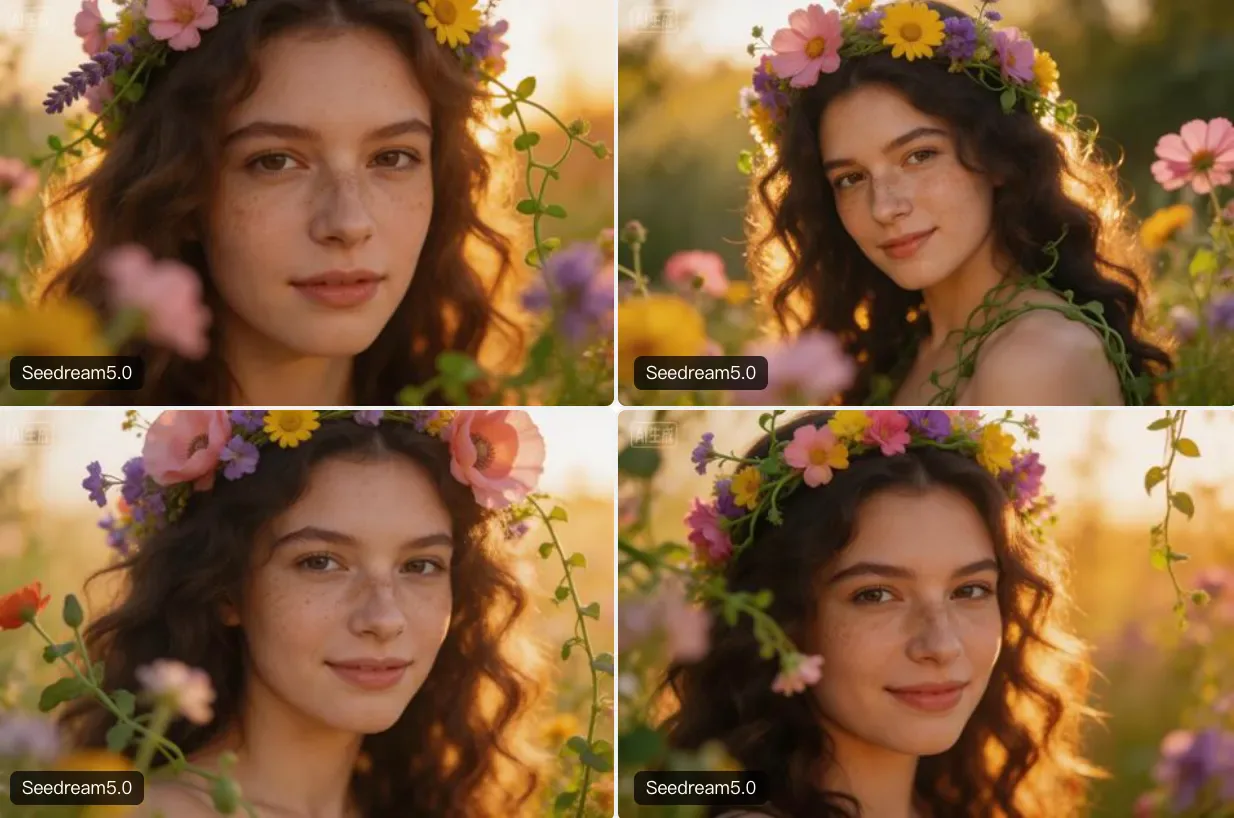
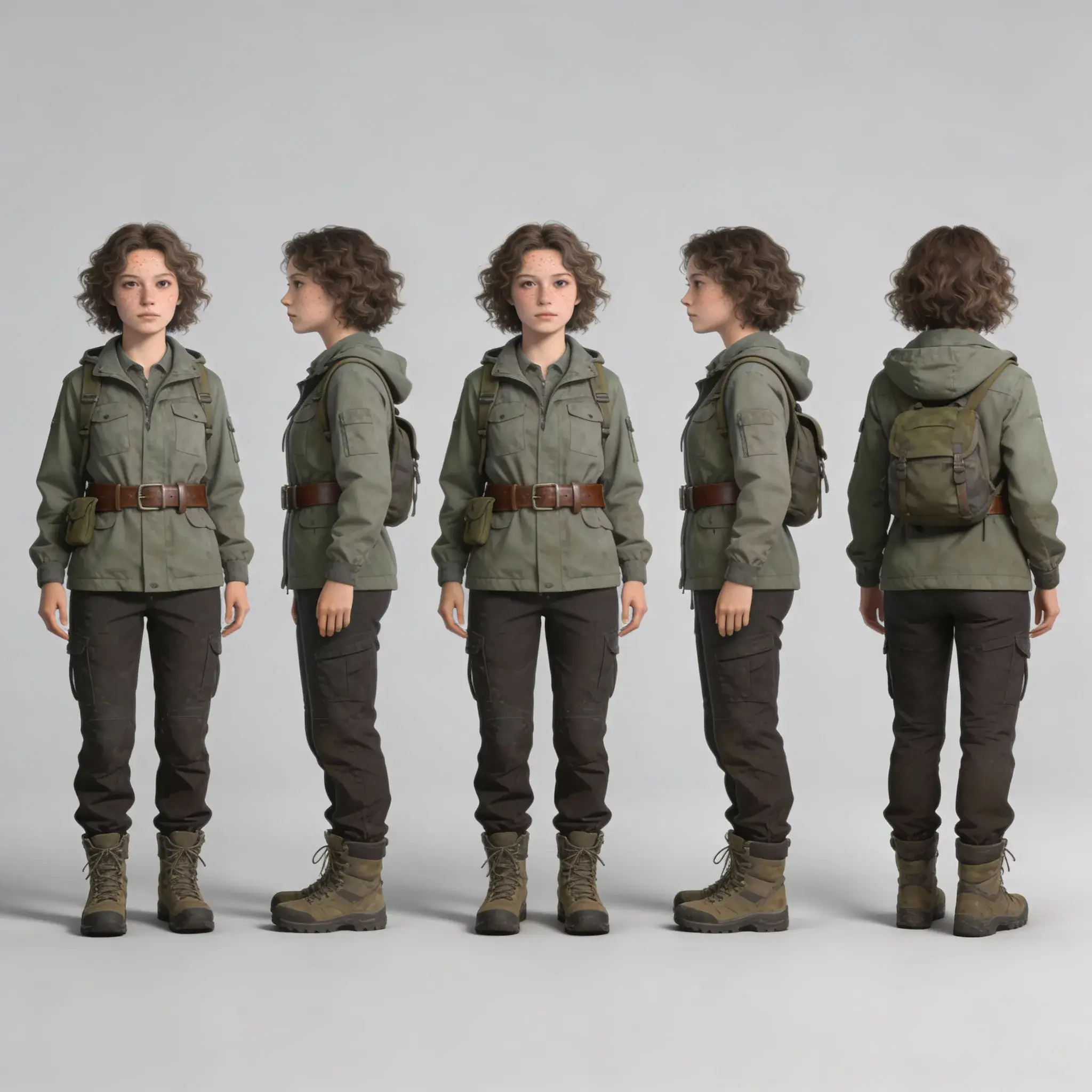
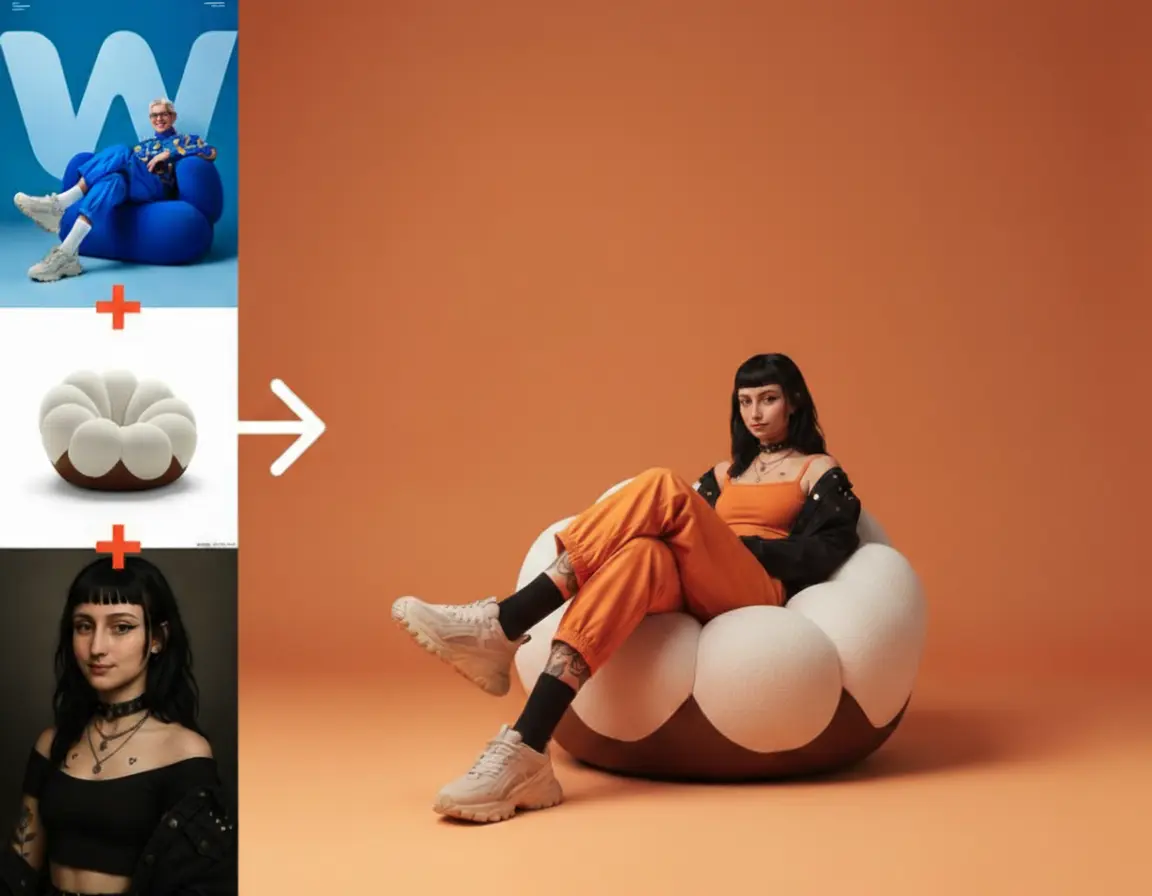
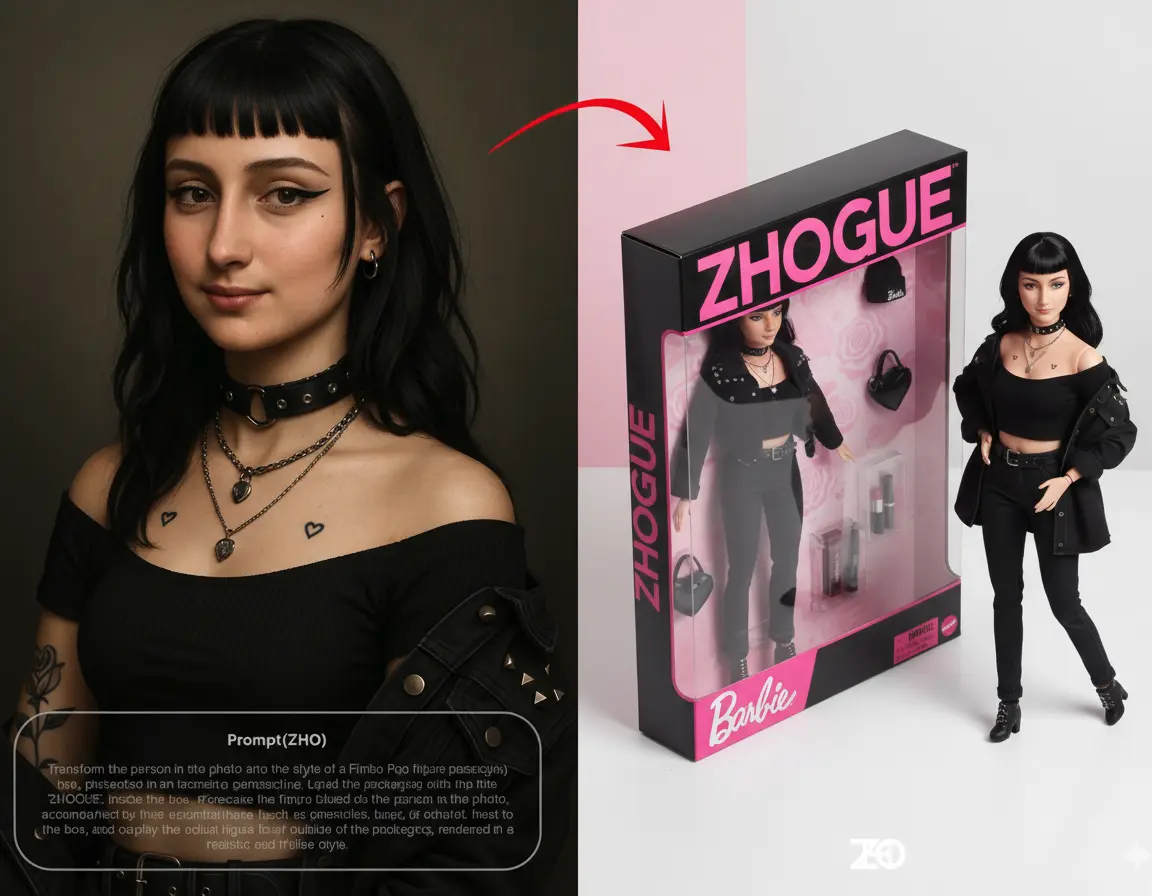
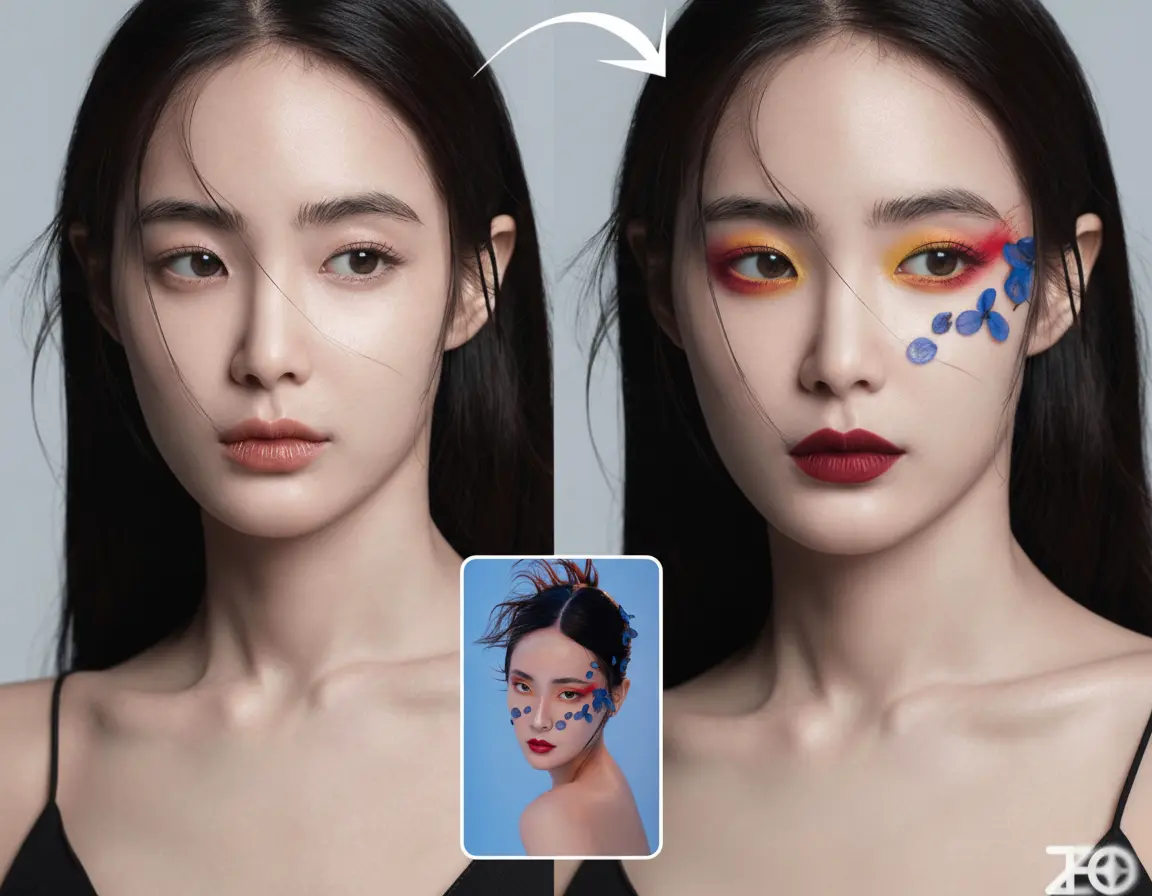
Seedream 5.0 Demo Results
Web-connected and conversational outputs from Seedream 5.0.






Who is Seedream 5.0 For?Seedream 5.0 scales from individual passion projects to complex corporate workflows.
For Individual Creators & Artists
- Concept Art & Worldbuilding
Use the Web-Connected feature to research historical armor or sci-fi concepts instantly, then generate consistent characters for your graphic novel or game.
- Social Media Content
Create viral, trend-jacking visuals in seconds. Seedream 5.0 knows what's trending today, helping you stay relevant on Instagram and TikTok.
- Fan Art & Illustration
Generate high-fidelity fan art with accurate details, leveraging the model's deep understanding of pop culture and media.
For Enterprise & Business Teams
- Marketing & Advertising
Generate product visualizations in context. Place your SKU in a "modern 2026 living room" with accurate furniture trends fetched from the web.
- News & Editorial
Speed up your newsroom. Generate editorial illustrations for breaking stories where stock photos don't exist yet, ensuring visual context matches the headline.
- Brand Design
Use Multi-Turn Editing to iterate on logo concepts or packaging designs. Refine colors and layouts instantly during team meetings.
How to Create with Seedream 5.0
Mastering Seedream 5.0 is intuitive, whether you're a pro or a beginner.
1
Ask the Web
Toggle "Web Search" and type a prompt like "Latest sneaker trends 2026". Seedream 5.0 gathers live visual data.
2
Generate & Review
The model creates 4 high-fidelity options based on real-world trends.
3
Chat to Edit
Pick your favorite. Use the chat box: "Make the sole thicker" or "Change the background to a city street."
4
Final Polish
Use the Image to Image tools for pixel-perfect adjustments or to add specific text.
5
Export
Download in stunning 4K resolution.
FAQ: Common Questions about Seedream 5.0
Q1: Is Seedream 5.0 difficult to use for beginners?
Not at all! Seedream 5.0 uses natural language processing. You can talk to it just like you would to a friend. The "Conversational Editing" feature makes it easy to fix mistakes without needing complex prompt engineering skills.
Q2: How does the web search feature help me?
It ensures your images are relevant and accurate. Instead of relying on old data, Seedream 5.0 can "see" what's happening in the world right now. This is perfect for creating content about new products, current events, or modern trends.
Q3: Can I use Seedream 5.0 for commercial projects?
Yes! All paid plans (Pro and Enterprise) come with full commercial usage rights. You own the assets you create, making it safe for client work, merchandise, and marketing materials.
Q4: Does the web search slow down generation?
Slightly (2-5 seconds), but the trade-off is worth it for the accuracy. If you need instant speed for simple ideas, you can easily toggle Web Search off.
Ready to Upgrade Your Creativity?
Stop relying on outdated tools. Embrace the power of real-time knowledge and conversational precision.
Experience the future of logic-driven, web-connected AI Image Generation